Paste any YouTube video link to audit its title, description, tags and keywords, check its search ranking, preview the thumbnail and get AI-powered ideas to rank higher.
The YouTube SEO Video Analyzer is a free online tool that audits any YouTube video in seconds. Paste a video link and the tool reads the public video page, checks the title, description, tags and thumbnail, extracts the keywords the video is really targeting, looks up where the video ranks in YouTube search for its main keyword, and combines everything into one SEO score. An optional AI layer then suggests stronger titles, a rewritten description, new tags and keyword opportunities, so you know exactly what to fix to get more views from search and suggested videos.
Every video is scored out of 100 using about twenty checks grouped into five areas: title, description, tags, thumbnail and search visibility. Each check is marked good, needs attention or critical, with a plain-language explanation of what to change. The score is a practical checklist for improving on-page video SEO. It is not a prediction of views, because watch time, click-through rate, audience retention and channel authority also decide how far a video travels.
YouTube is the second most visited search engine in the world, and videos also appear in Google results. The title, thumbnail and description tell YouTube what a video is about and who should see it. A clear keyword-focused title, a strong opening in the description and a clickable thumbnail help a video win impressions and clicks. Tags now play only a small part in discovery, mostly for commonly misspelled topics, so spend most of your effort on the title, description, thumbnail and viewer retention.
Creators use it to improve videos before and after publishing. Marketers and agencies use it as a quick video SEO audit for client channels. You can also paste a competitor's link to see which keywords and tags their video targets and how it ranks, which makes it a handy companion to a YouTube keyword research tool.
Is the YouTube SEO Video Analyzer free?
Yes. You can analyze videos for free and no signup is needed.
Can I extract tags and keywords from any YouTube video?
You can extract them from any public video. If a creator did not add tags, the tool says none were found, and the keyword table is built from the title and description instead.
How is the YouTube ranking calculated?
The tool searches YouTube for the video's main keyword and finds the video's position in the results. Positions vary by country, language and viewer history, so treat the number as a guide.
Are the AI keyword competition labels accurate?
They are estimates from an AI model, not search volume data. Use them to prioritize ideas, then confirm in YouTube search.
Does the tool change my video?
No. It only reads public information. You apply the suggested changes yourself in YouTube Studio.
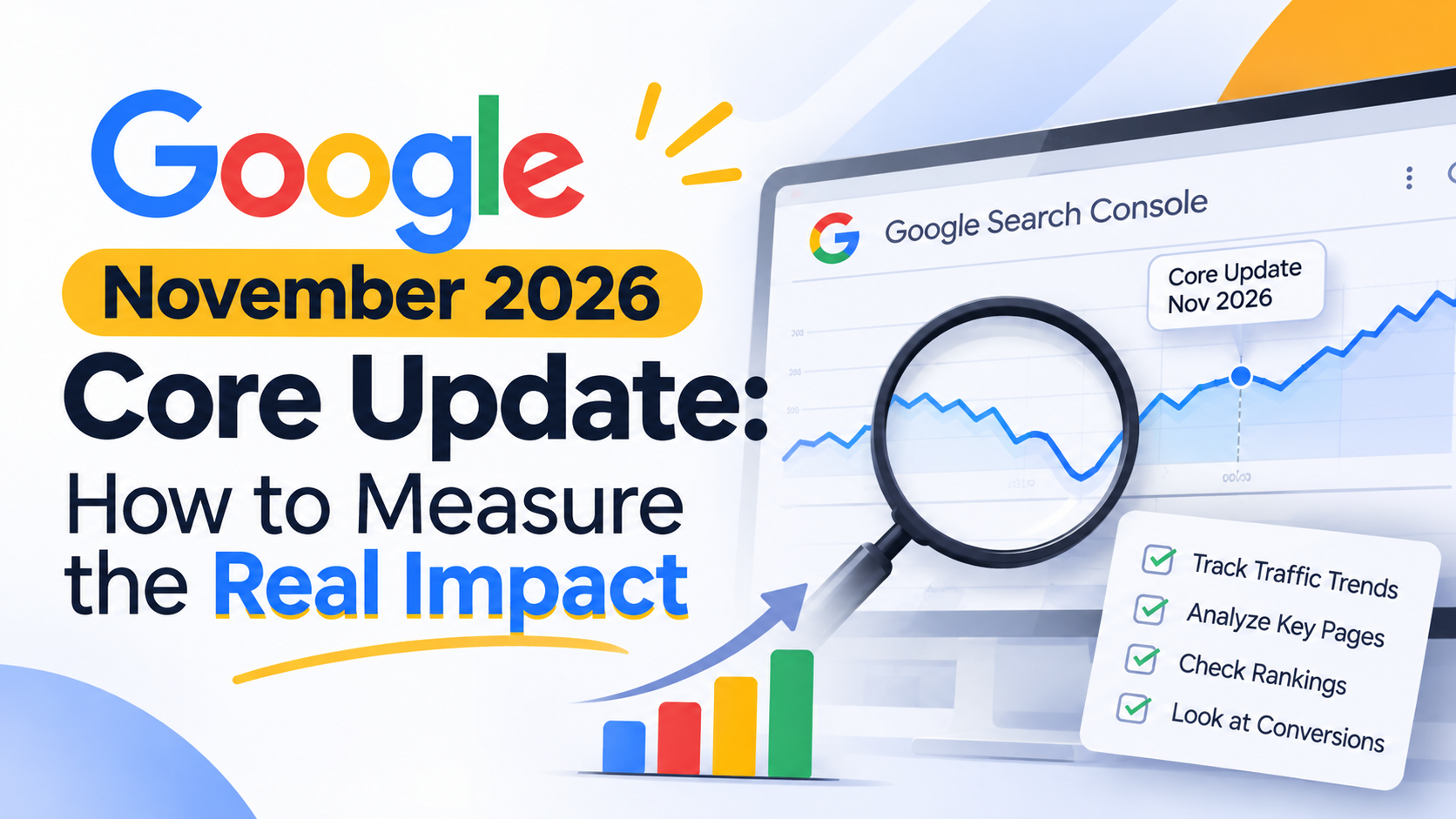 Google November 2026 Core Update: How to Measure the Real Impact
Nov 18, 2026
 Bluehost AI Builder: I Built a Site in 17 Minutes
Nov 13, 2026
 How to Optimize Content With AI for Better Google Rankings
Oct 14, 2026
 Email Marketing Tools for Growth: How Rankests Boosts ROI
Aug 15, 2026
 How to Get Your Website Cited by AI: A Practical 2026 Guide
Aug 11, 2026